
Export legacy
Many organizations still rely on MS Excel in order to tailor various types of reports. So, we made it easy for you.
inLOGIC offers you an advanced Query & Search feature and Dashboard to make it easy for you to review large volumes of data and the progress of your sales activities at a glance. However, in some occasions, you may pull down all the data you for a specific purposes. (e.g., creating ad hoc reports, generating graphical charts, etc.)
What to Export
All the entities including Payee, Transaction and Reference are available for you to export the entire table. Under each module, at the top-right-hand corner of the table, you shall find the Export to Excel button.
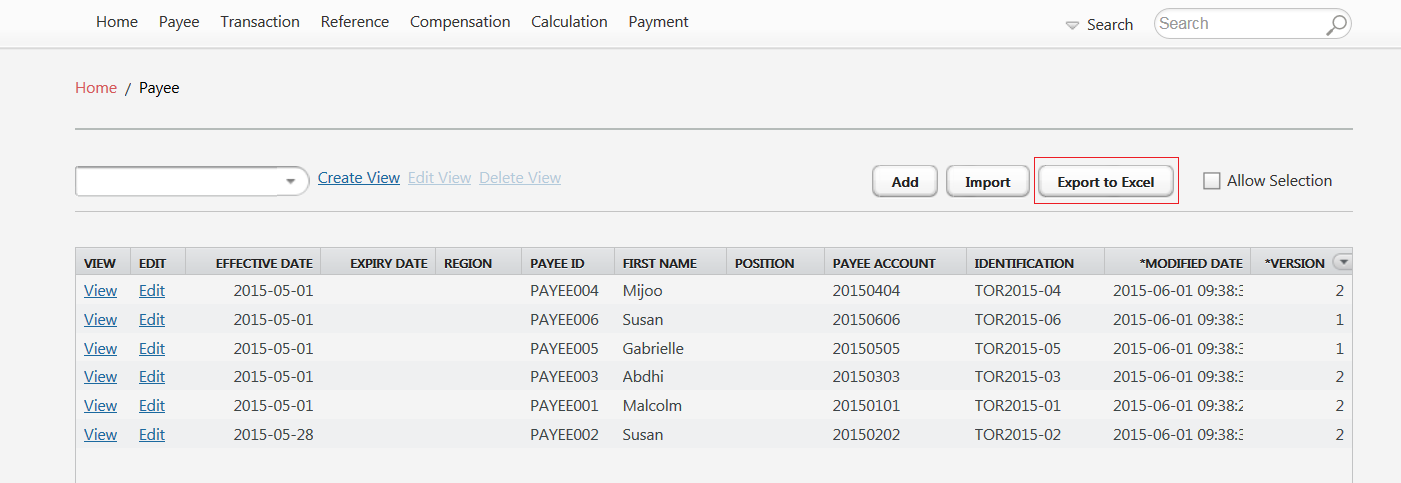
Unlike Templates you might have downloaded in order to import data, the exported spreadsheet contains all the fields including those that are generated by the system (e.g., $Modified On and $Version). It is not recommended for users to make changes to the system generate fields in order to avoid any unnecessary errors or exceptions.
Other Types of Export
Within inLOGIC, not only can you export the entire tables of Payee, Transaction and Reference, but you can also export the payment report for further review.
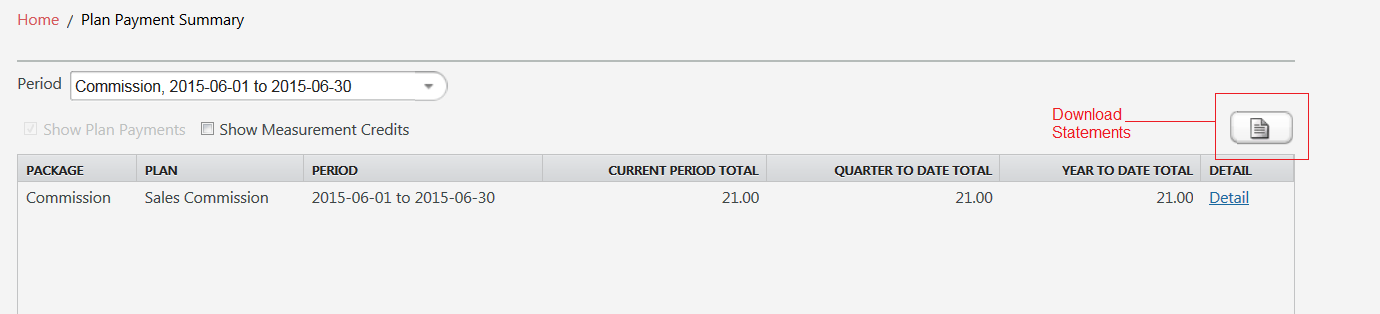
You will be able to find the Statement icon 📄 under Payment menu.
Payment module consists of two types of summary: Plan Summary and Payee Summary, and you can download either or both depending on your needs.